
 Games
Escape Room 7
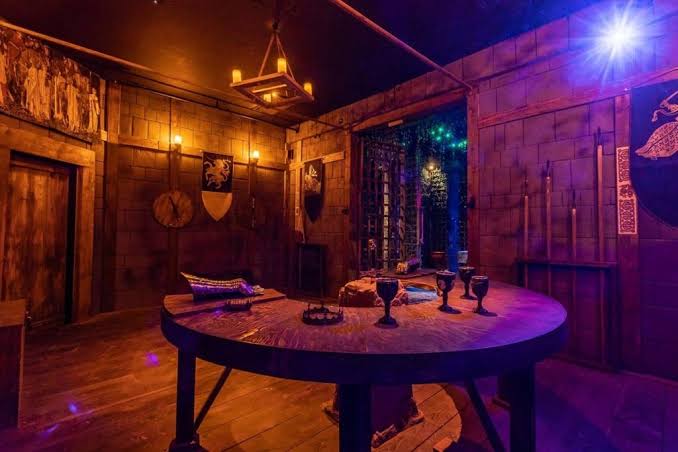
Explore four first-person escape adventures. Choose a scenario and setup, inspect the clues, and find your way out alone or with a partner.

Browse and install apps and games from FXifyDesign.
Buy, sell and connect in Paarl. Discover local listings, businesses and community groups in one place.
Games
Explore four first-person escape adventures. Choose a scenario and setup, inspect the clues, and find your way out alone or with a partner.
 Community

Buy and sell locally, discover businesses, and connect with the Paarl community on PaarlTree. Open the live website to sign in and explore.
 Pet care

Browse Magrieta Markus’s sitting services, photos and contact information. Check live availability, request bookings and read client reviews in the installed app.
 Connectivity

Check published fibre coverage, explore connection speeds, and contact GetYourFibre for help getting connected.
Yes. Escape Room 7 has a mobile web app with touch controls. Open the install page, then use Install app on Android or Share → Add to Home Screen on iPhone and iPad. Landscape gives you a wider view.
You can play immediately in your browser. The Windows ZIP is an optional desktop edition. Download it, extract the whole folder and open EscapeRoom7.exe.
Choose Multiplayer on the game website. Create a lobby or join a partner who selected the same room, scenario and setup. Two players are needed to start. Online play needs an internet connection.
Yes. The current release is free to play. New chapters unlock when you complete both scenarios in the previous chapter.